
Download Beam Eye Tracker – eye tracking, AI, webcam, gaming, analytics, streaming, privacy, immersive, customizable, tool, utility
Overview
Beam Eye Tracker redefines how users interact with their digital environments by transforming a standard webcam into a high-precision eye tracking solution. Designed for Windows users, this tool eliminates the need for dedicated hardware, making advanced eye tracking accessible to a broader audience. Its primary purpose is to enhance user experience across gaming, performance analysis, and digital privacy. By leveraging artificial intelligence, Beam Eye Tracker enables intuitive camera control in over 200 supported games, including titles like Microsoft Flight Simulator and Assetto Corsa. This functionality is particularly valuable for both casual and competitive players seeking immersive gameplay without the cost or complexity of external devices.
The app addresses key challenges such as limited accessibility to eye tracking technology, the high cost of specialized hardware, and concerns around data privacy during online sessions. It is especially suited for gamers who want to improve focus, analyze gameplay patterns, or elevate their streaming content. The integration of analytics tools and customizable overlays positions Beam Eye Tracker as a multifunctional utility within the productivity and gaming ecosystems. While the developer, Beam, did not provide additional background details, the app’s focus on AI-driven innovation suggests a commitment to cutting-edge user interaction design. Real-world applications include training for competitive gaming, live streaming with dynamic visual feedback, and secure browsing through presence detection and screen blurring.
Key Features & Functionality
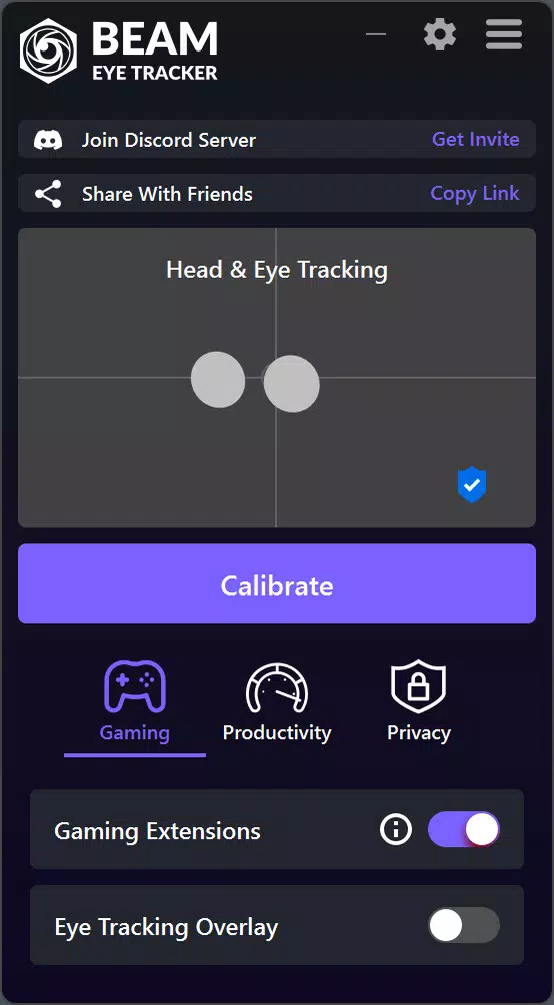
- AI-Powered Eye Tracking: Utilizes advanced algorithms to interpret eye movements from a standard webcam, enabling precise in-game camera control without external sensors.
- Extensive Game Compatibility: Supports over 200 games across genres such as racing, FPS, and simulation, offering consistent performance across diverse titles.
- Analytics and Training Tools: Provides real-time eye tracking overlays to monitor focus points during gameplay, with recording capabilities for post-session review and skill development.
- Customizable Streaming Overlay: Allows streamers to display eye movement data on Twitch or YouTube with adjustable colors, opacity, and visibility settings.
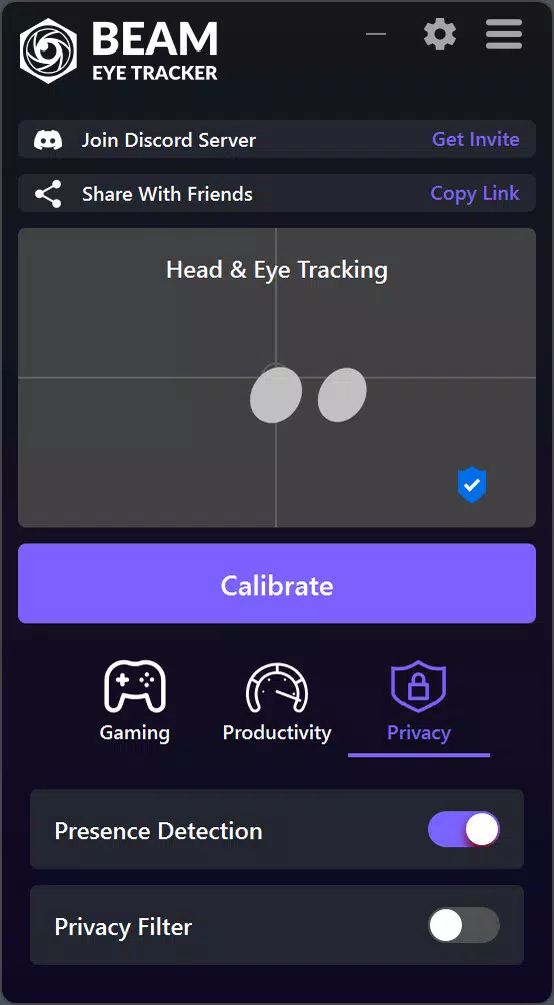
- Privacy and Security Features: Includes presence detection to lock the screen when the user is away and a Privacy Filter to blur non-focused areas of the screen.
Each feature is designed to serve practical needs. For example, the analytics tool helps players identify where their attention lags during high-pressure moments, enabling targeted improvement. The streaming overlay enhances viewer engagement by visualizing the player’s focus in real time, adding a unique layer to content creation. The Privacy Filter ensures sensitive information remains protected during shared screen sessions. These tools collectively empower users to optimize performance, enhance creativity, and maintain security—all from a single application.
Interface, UX & Performance
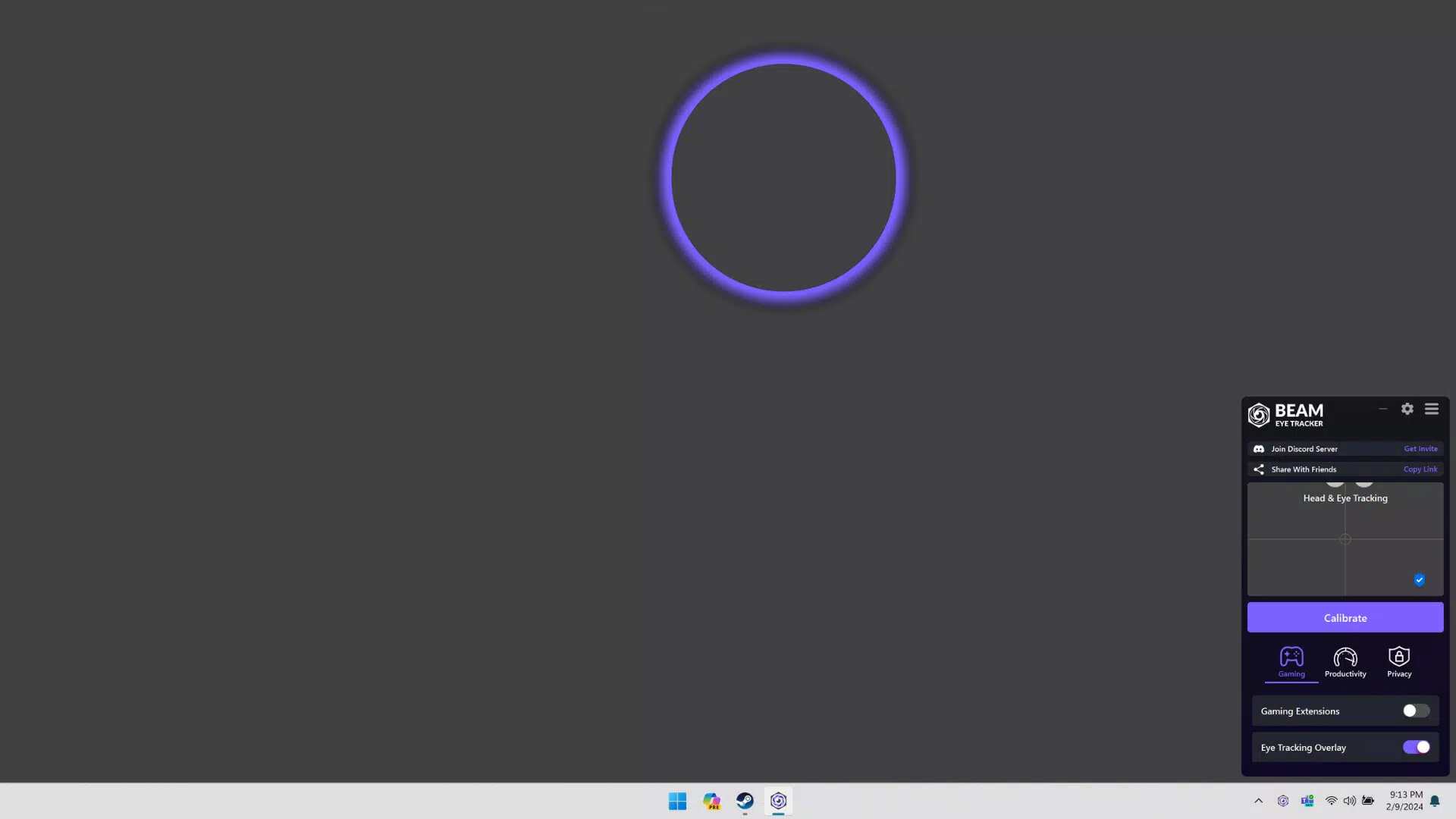
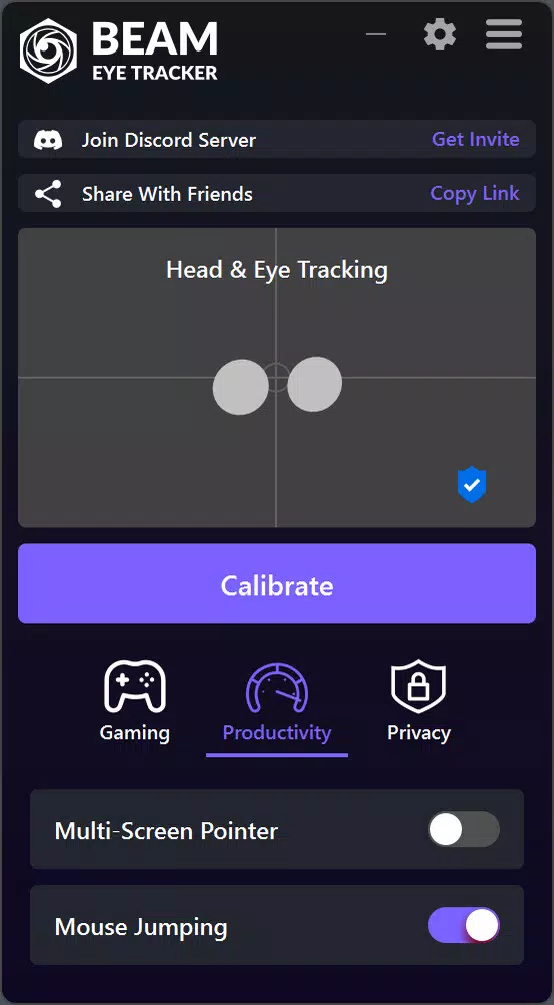
The interface of Beam Eye Tracker is designed with usability in mind, offering a clean layout that prioritizes accessibility and real-time feedback. Users can navigate through settings, game profiles, and analytics dashboards with minimal friction. The visual style leans toward a modern, minimalist aesthetic, with intuitive icons and clear labeling, reducing the learning curve for new users. Navigation is linear and responsive, allowing quick access to core functions such as calibration, overlay customization, and privacy settings.
Although the developer did not list formal performance metrics, the app operates efficiently within the constraints of standard webcam input and AI processing. It is optimized for real-time responsiveness, ensuring minimal lag during gameplay and streaming. The application maintains stability across various Windows configurations, though specific hardware requirements were not disclosed.
Users can expect consistent performance when using a reliable webcam and a stable internet connection. The app’s lightweight footprint—288 MB—suggests efficient resource management, contributing to smooth operation even on mid-tier systems. Overall, the user experience is streamlined, focusing on functionality without unnecessary complexity.
Platform Compatibility & Technical Requirements
Beam Eye Tracker is available exclusively on the Windows platform. The current software version is 1.0.0, with a file size of 288 MB. This indicates a compact, efficient installation that does not require significant storage space. The app is free to download and use, removing financial barriers to entry for potential users. While the developer did not specify minimum OS requirements, it is compatible with modern Windows systems that support webcam access and basic AI processing.
Compatibility information was not fully disclosed, so users should ensure their device meets standard webcam and system performance benchmarks. No additional hardware or peripherals are required, as the app relies solely on the built-in camera. For optimal performance, a clear line of sight to the webcam and a well-lit environment are recommended. The absence of explicit technical details does not detract from the app’s core functionality, which remains accessible to a wide range of Windows users.
Pros and Cons
Pros
- Transforms any webcam into a functional eye tracking device, reducing hardware dependency.
- Supports over 200 games, offering broad compatibility across popular titles.
- Includes AI-driven analytics and training tools for performance improvement.
- Enables customizable streaming overlays for enhanced content creation.
- Integrates privacy features like presence detection and screen blurring.
Cons
- Platform availability is limited to Windows; no information on iOS or Android support.
- Specific system requirements were not listed, which may affect user confidence.
- Performance may vary depending on webcam quality and ambient lighting.
- AI processing could strain older or low-end devices, though this was not confirmed.
- Free version may lack premium features not currently disclosed.
FAQ
Is Beam Eye Tracker safe to use with my webcam?
Yes, the app operates locally and does not transmit raw video data. Privacy features such as presence detection and the Privacy Filter are designed to protect your data.
Can I use Beam Eye Tracker on a laptop with a built-in webcam?
Yes, the app is compatible with standard built-in webcams as long as the device supports camera access and meets basic system requirements.
Does Beam Eye Tracker require an internet connection?
While the app functions offline for core features, certain updates and analytics synchronization may require internet access.
How often is Beam Eye Tracker updated?
The app was released on August 2, 2023, and is currently at version 1.0.0. Regular updates are expected, but specific release schedules were not disclosed.
Is Beam Eye Tracker available for mobile devices?
Currently, the app is only available for Windows. There is no information on future mobile releases.
Final Thoughts
Beam Eye Tracker stands out as a powerful, accessible tool that brings professional-grade eye tracking to everyday users. By combining AI, gaming integration, analytics, and privacy protection, it delivers a versatile solution for gamers, content creators, and privacy-conscious users. Its ability to work with over 200 games and transform any webcam into a tracking device makes it a standout in the productivity and utility space. While platform and technical details are limited, the app’s core functionality remains robust and well-executed.
Whether you're enhancing your gameplay, creating engaging streams, or safeguarding your digital presence, Beam Eye Tracker offers tangible value without the need for expensive hardware. For Windows users seeking a smarter, more immersive way to interact with their devices, this app is a compelling choice. Download Beam Eye Tracker now.


